Two ways to run the AI
Some teams want the AI to just work. Others have a provider account, a procurement process and opinions about which model answers their customers. onmsg supports both without making you commit on day one.
The included platform AI is the default. Your plan comes with an allowance of platform AI tokens per month, and the grounded agent uses it with no configuration. That is enough to build a knowledge base, tune a grounding mode and watch how the answers read before you decide anything.
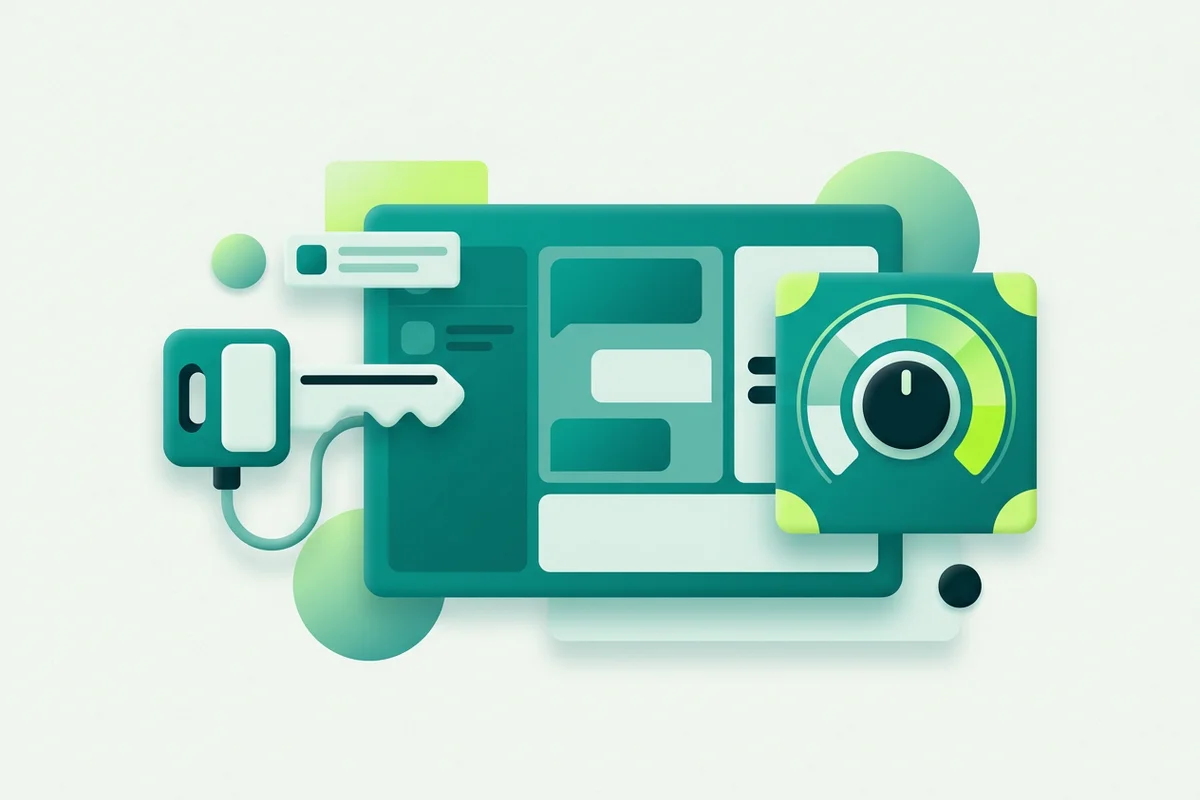
Bring-your-own-key configuration is the other route. You select a provider and a model, supply your key, and AI usage runs through your own account. Your provider bills you for that usage, separately from your onmsg subscription.

Common problems this solves
“We already pay a provider and don’t want a second bill for the same tokens.” BYOK routes usage through the account you already have.
“We need to know the key works before customers do.” Key testing validates the connection, and the grounding probe checks that retrieval is actually returning relevant knowledge from your sources.
“When the AI goes quiet, we don’t know why.” AI error and status information surfaces provider problems in the workspace. Provider errors are also an escalation path in the agent configuration, so a failing model routes the visitor to a person rather than leaving them staring at a typing indicator.
“We can’t see what we’re consuming.” Usage reporting covers both routes, so the allowance or the spend is visible before it becomes a surprise.
What BYOK does not change
This is the part worth being blunt about. Bringing your own key avoids the platform AI-token allowance check. It does not remove the other limits on your plan, agents per site, saved flows, knowledge sources and pages, storage, configured retention and concurrent active sessions are all unchanged. “Unlimited tokens through my own key” is not the same sentence as “unlimited plan”, and the pricing page lists every row so you can see which is which.
We also keep specific model names out of evergreen copy. Provider catalogues change faster than websites do, and a page that names a model is a page that will be wrong within a quarter. Check the current options in the workspace. If you use OpenRouter, note that custom model IDs require validation.
Where this fits
Provider choice is a setting on the Grounded AI Agent, the grounding modes, refusal message and handoff behaviour work the same either way. If you run several sites, Multi-Site & API keeps provider configuration and usage separate per site.
When to think about this at all
For most people the honest answer is: not yet. The included platform AI works without configuration, and the decisions that matter more, what knowledge you supply, how strictly the agent stays inside it, where the handoff sits, are identical either way.
Three situations move it up the list.
You already have a provider account. If your business is committed to spend somewhere, consolidating usage onto that account is straightforward reasoning.
Procurement or policy requires it. Some organisations need AI usage on an account they control, with their own agreements in place. That is a requirement rather than an optimisation.
Your volume has become predictable and large. Once you can see a steady pattern in usage reporting, a comparison becomes possible. Before that, any calculation is speculation.
What to check before switching a live site
Four things, in this order.
Test the key. Run the grounding probe and confirm retrieval is still returning relevant knowledge. Check AI error and status information is clear. Then ask the chat five questions you know the answers to, and compare the responses with what you were getting before.
Do all of that on a quiet afternoon rather than a Monday morning. Provider errors route conversations to a person, which is the right behaviour, but it is a better experience for everyone if the first test of that path is one you ran deliberately.
For a straight comparison, read included AI vs bring-your-own provider key.