
The part your visitors actually see
Everything else in onmsg happens behind the glass. The widget is the glass. It is the small launcher in the corner of your site, the teaser that appears beside it, the panel that opens when someone taps, and the messages inside. Get it wrong and the rest of the product never gets used, because nobody opens a chat that looks like it belongs to a different company.
Installation is a script snippet, one line you add to your site directly or push through a tag manager. That is deliberately unglamorous. There is no plugin to install or keep in step with a CMS release, so the same snippet works on a hand-built site, a page builder, or a framework you wrote yourself.
Common problems this solves
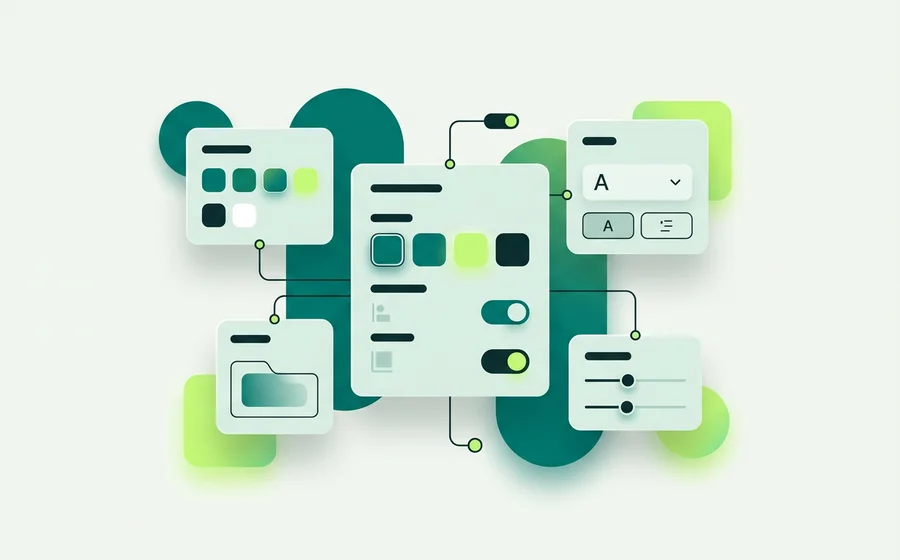
“The chat widget clashes with our site.” Set colours for the widget, header, messages, inputs and controls, pick font families and sizes for different parts, and adjust border radius, padding, borders and shadows. When that still isn’t enough, add custom CSS for the widget, the teaser and the messages.
“It covers our cookie banner.” Choose left or right placement and set offsets from the page edges so the launcher sits where it does not fight anything else.
“People message at 11pm and get nothing.” Set business hours and a timezone, choose the after-hours behaviour, and let offline message intake collect the enquiry. Flows can branch with By availability so the offline conversation is written for someone who knows they are waiting until morning.
“We need it gone for a week.” The live/paused site setting hides the widget without a deploy.
Customization, in the order people usually do it
Start with colour and type, since that is what makes the widget read as yours: widget, header, message, input and control colours, then font families and sizes. Next the framing, border radius, padding, borders and shadows, which is what makes it feel like part of the page rather than a floating box.
Then the invitation. The launcher icon, the teaser text and teaser image, and the unread indicator decide whether anyone opens the thing at all. Write the teaser as an offer rather than a greeting: “Ask about lead times” outperforms “Hi there” nearly everywhere.
Finally the words the system says on your behalf. Header title and subtitle and the configurable system messages set the tone for everything that follows, including the ones your visitor reads when something goes wrong.
Availability is a design decision
A chat widget that is always visible but rarely answered trains people not to use it. Business hours, timezone and after-hours behaviour let you be explicit instead: online now, or here is what happens next. Combined with the Visual Bot Flow Builder’s By availability step, the offline path can collect a proper enquiry and set an expectation you can meet.
For the detail, see how to customize your chat widget, setting business hours and after-hours behaviour, and using custom CSS to match your brand.
When the widget needs more attention than it usually gets
Three moments are worth spending real time on, because each one changes how many people open the chat at all.
Launch. Get colour, type and placement right before anything else. A widget that reads as third-party gets ignored regardless of how good the answers behind it are.
A site redesign. Placement offsets and colours are relative to a page that just changed. Re-check both, particularly against any new sticky element competing for the same corner.
A seasonal push. The teaser is the most under-used lever on the whole widget. “Ask about delivery before the 20th” during a busy month outperforms a permanent “Hi there” by a wide margin, and it takes a minute to change.
Getting the closed state right
Most visitors never open the widget, which makes the closed state disproportionately important.
The launcher needs to be obviously tappable and clear of anything else pinned to that corner. The teaser needs to give a reason rather than a greeting. The unread indicator needs to be visible without being alarming.
And the offline version of all three needs the same care as the online one. A widget that looks considered during business hours and unfinished at 9pm is telling evening visitors something you did not mean to say, which is exactly when the highest-intent enquiries tend to arrive.
If you run more than one site, Multi-Site & API keeps each one’s widget configuration separate.