
Website chat, backed by your knowledge and your team
Answer common questions with AI grounded in your content, guide enquiries with visual flows, and bring your team into the conversations that need a person.
- Grounded in your own content
- No-code conversation flows
- Shared inbox for your team
No credit card required. Install with one script snippet.
Strict grounding mode
Refuses instead of guessing
- Free plan, no credit card required
- AI answers grounded in your own content
- Shared inbox with clean bot-to-human handoff
- Installs on any website with a script snippet
What your visitor asks, and what your team sees
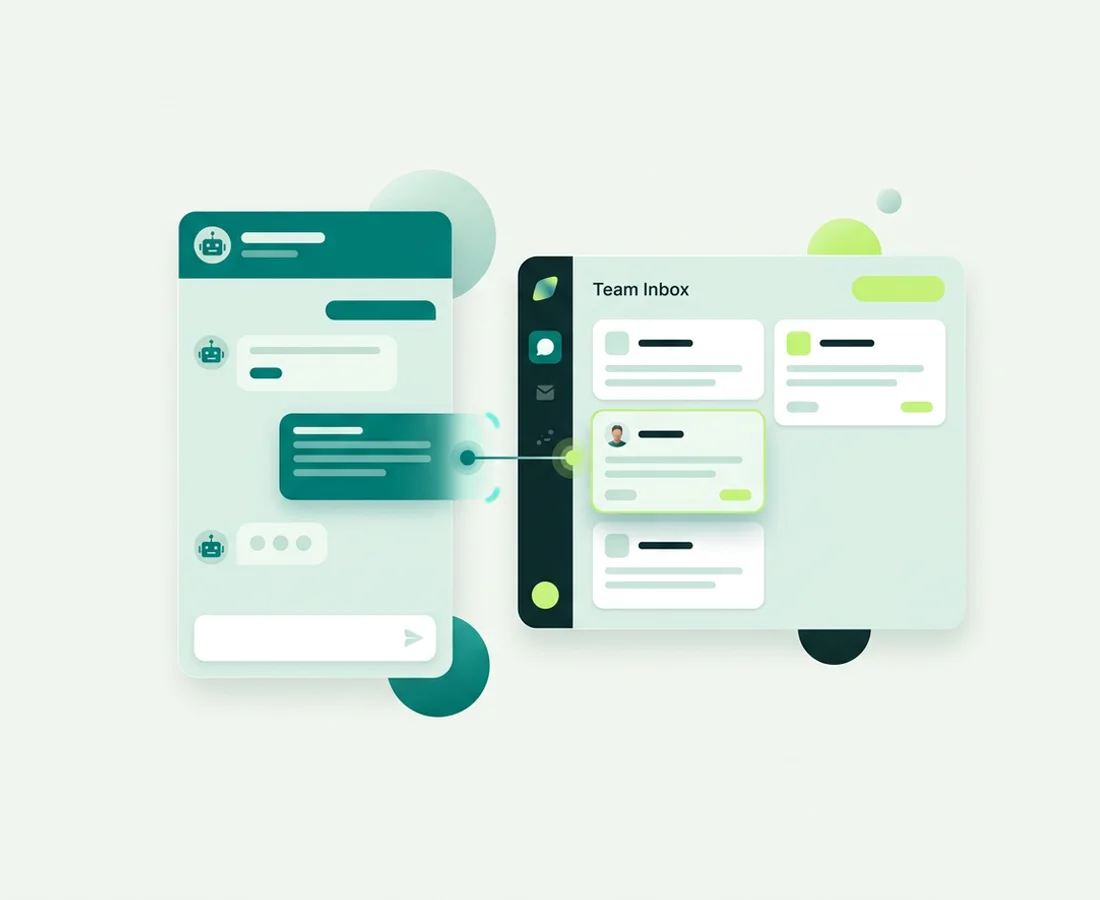
A visitor opens the chat widget on your site and asks something ordinary: what you charge, whether you cover their area, how long a job takes. The AI answers from the knowledge you added, or a flow walks them through a few choices and collects their details.
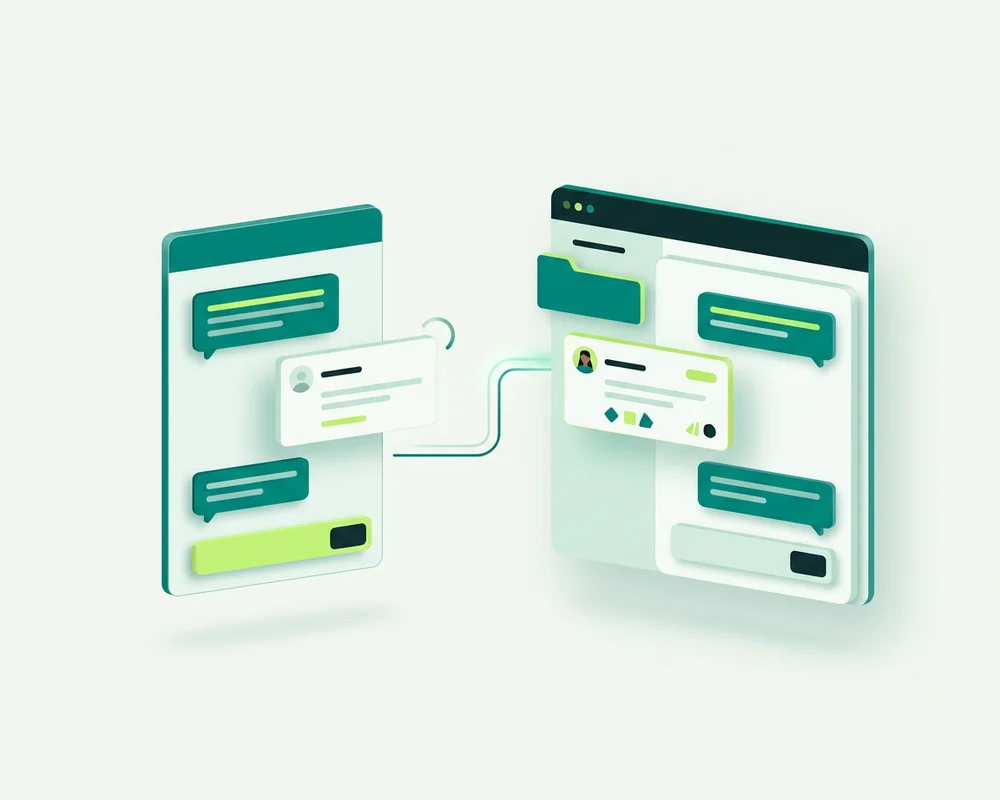
When the question needs a person, the handoff stops bot ownership and the whole conversation lands in your shared inbox with its history intact. Whoever picks it up can read what was already asked, answered and captured before they type a word.
- Visitor side: an embeddable chat widget you style to match your site, with business hours and an after-hours path.
- Team side: a shared team inbox with assignment, resolve and reopen, search, saved replies and private notes.
- In between: a knowledge base you control and enquiry details captured by Form and One field steps.
Everything you need to answer website visitors
One product, four working parts: a widget your visitors see, AI grounded in your content, flows you draw yourself, and an inbox where your team takes over.
 Most configurable
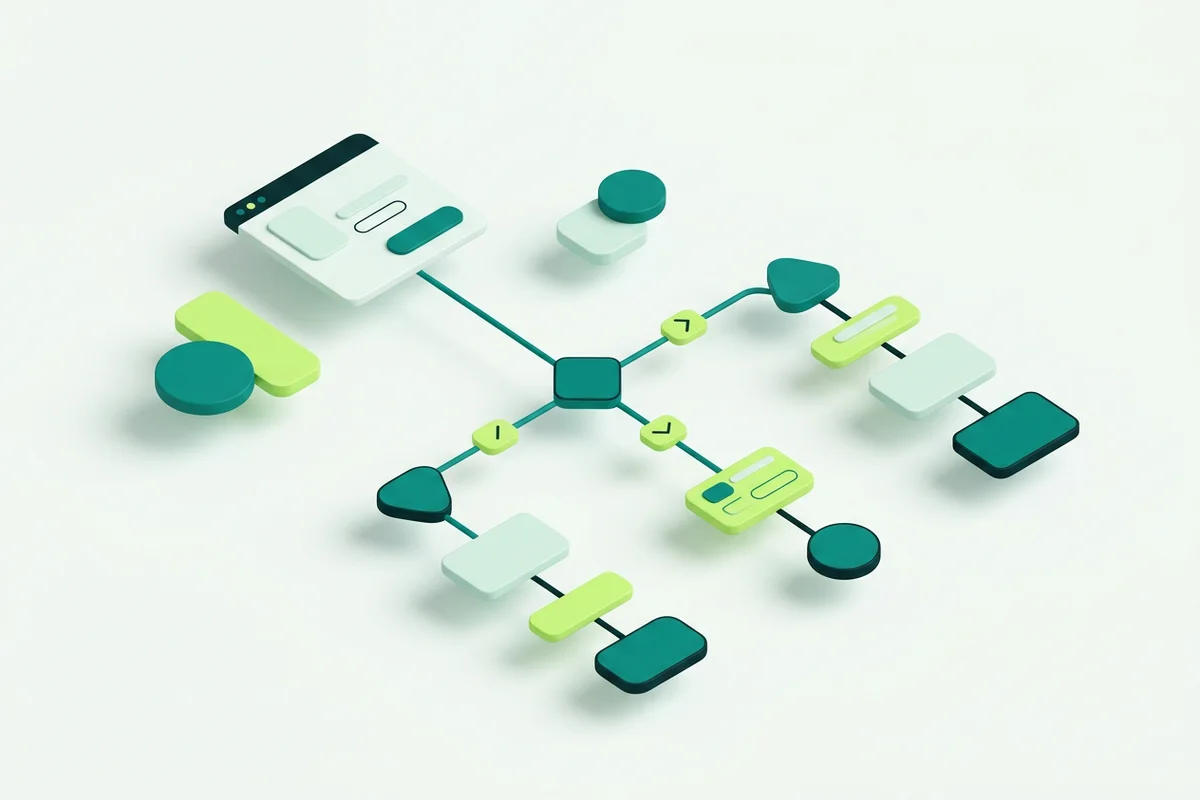
 Visual Bot Flow Builder
A drag-and-drop builder for website conversations, with 11 step types for greeting, capturing enquiries, branching, and handing off.
Read more Built for accuracy anxiety
 Grounded AI Agent & Knowledge Base
An AI agent that answers from your own knowledge base, with grounding modes, configurable refusals, and handoff to a person.
Read more
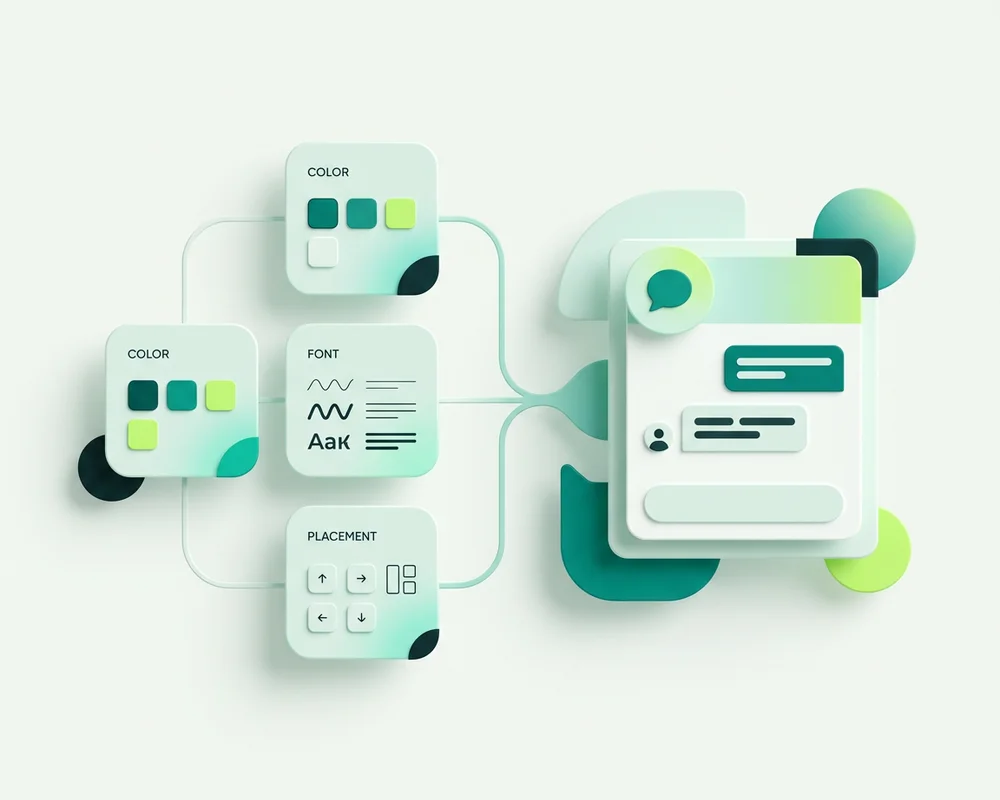
Website Chat & Widget Customization
An embeddable chat widget you install with a script snippet, then customize to match your site: colours, fonts, placement, hours, and custom CSS.
Read more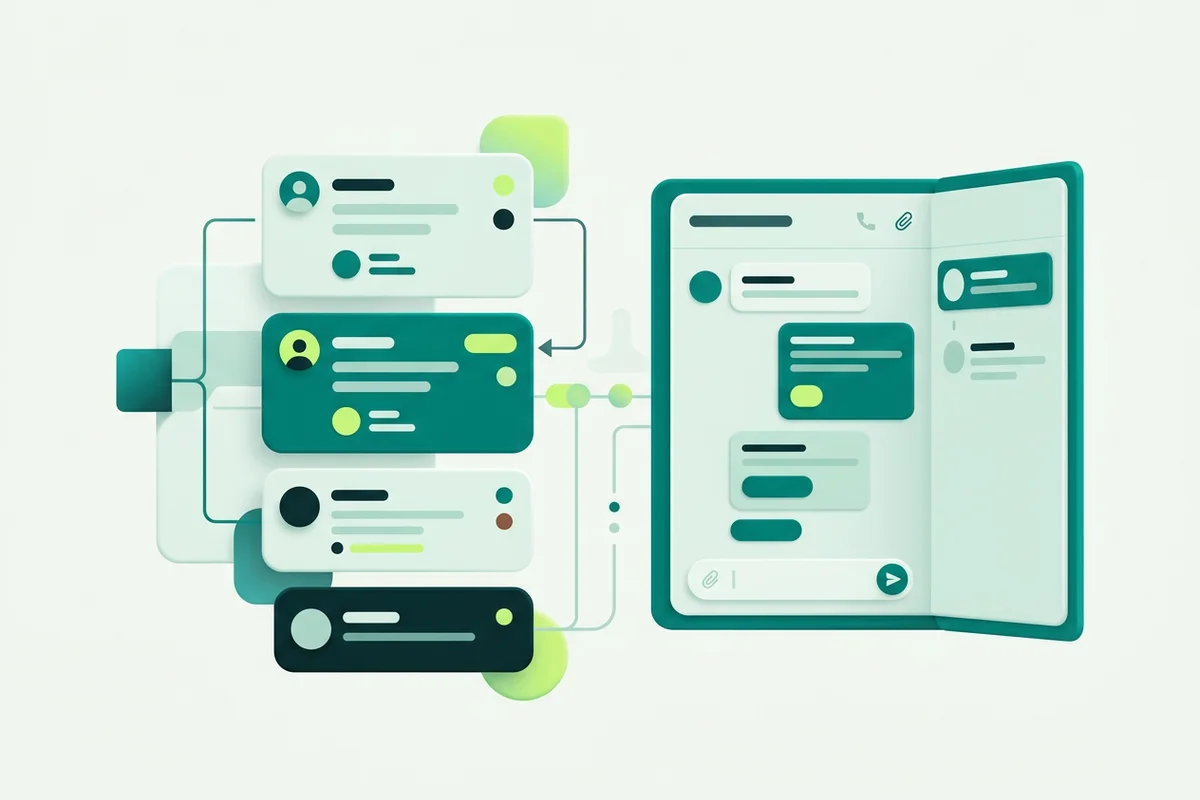
Shared Team Inbox
A shared inbox where your team views conversation history, replies, assigns, resolves, searches, and keeps a draft per conversation.
Read more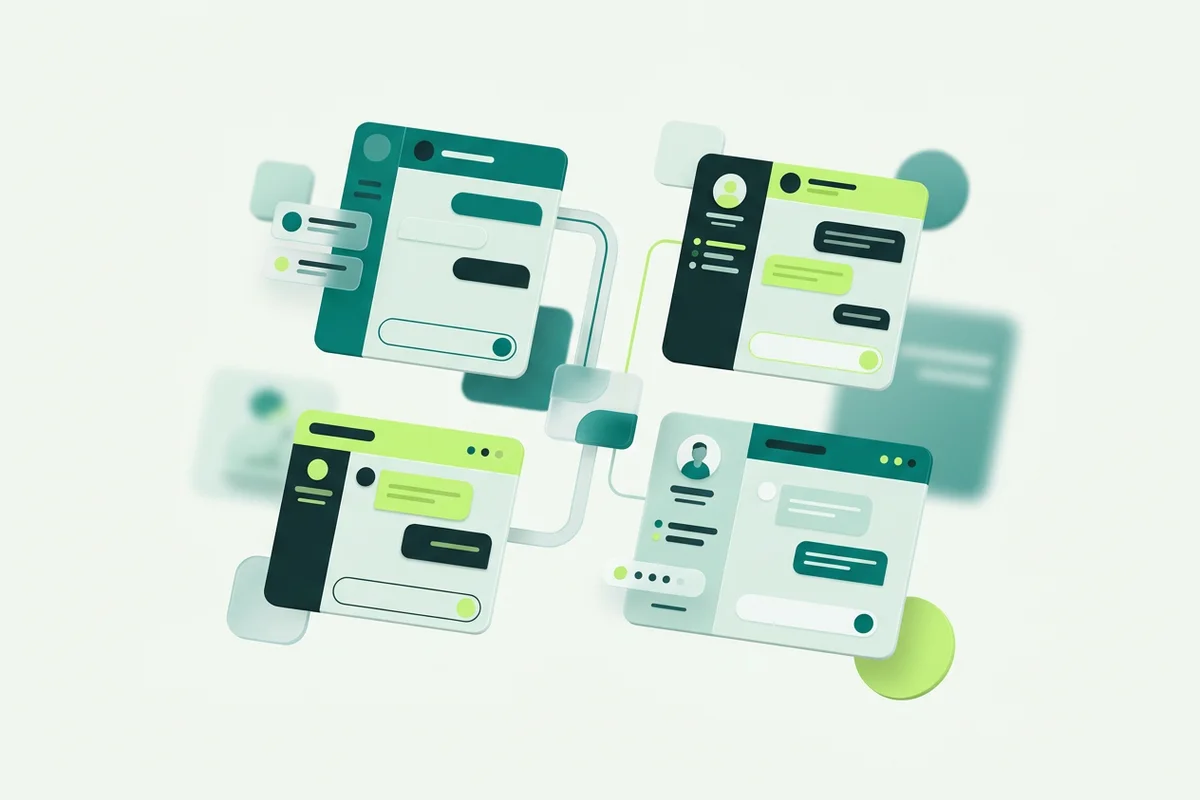
Multi-Site & API
One workspace organized around sites, with per-site configuration and a site-scoped API to ask the AI, read conversations, hand off, and manage knowledge.
Read more
Response-Time Reporting
Reports over 7/30/90-day windows covering first human response, coverage, percentile timing, resolution timing, and first-responder and daily breakdowns.
Read more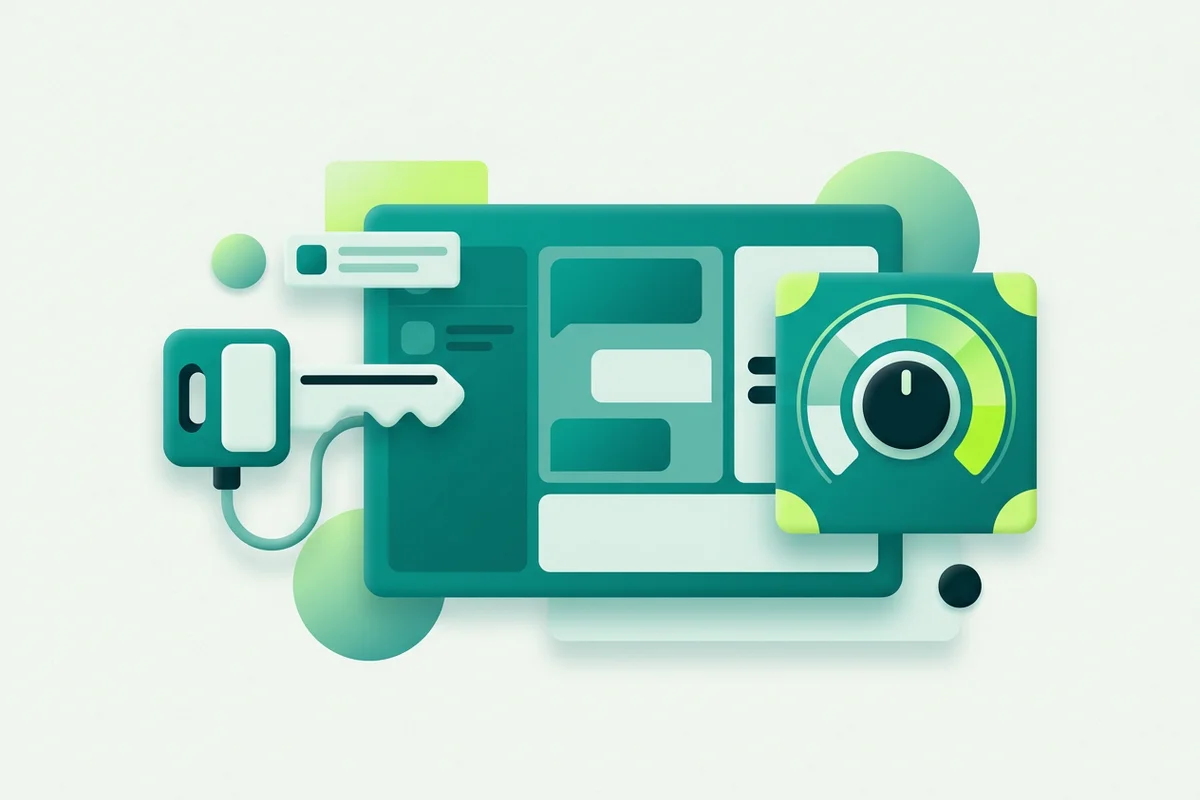
AI Provider Choice (BYOK)
Use platform-provided AI or bring your own provider key, with provider/model selection, key testing, a grounding probe, and usage reporting.
Read moreHow onmsg works
Four steps from an empty site to a chat widget that answers real questions.
- 1
Add your knowledge
Paste your FAQs, upload PDF, DOCX, TXT, Markdown or CSV files, or import the readable text of a public page by URL. Watch each source move to ready as it processes.
- 2
Configure the experience
Pick a grounding mode, write the refusal message, then draw the conversation on the flow canvas. Style the widget, set business hours and choose what happens after hours.
- 3
Install the snippet
Add one script snippet to your site, directly or through a tag manager. Use the live/paused setting whenever you want to hide the widget again.
- 4
Help visitors, then take over
The AI answers what it can and captures what it should. When a conversation needs a person, it lands in the shared inbox with its history intact.
Why teams choose onmsg
Website chat is easy to add and hard to trust. These are the parts of onmsg built for the second problem.
Answers grounded in your content
Strict, Balanced and Open grounding modes decide how tightly the AI sticks to the knowledge you supplied. Strict mode can return a configured refusal instead of guessing when nothing relevant is found.
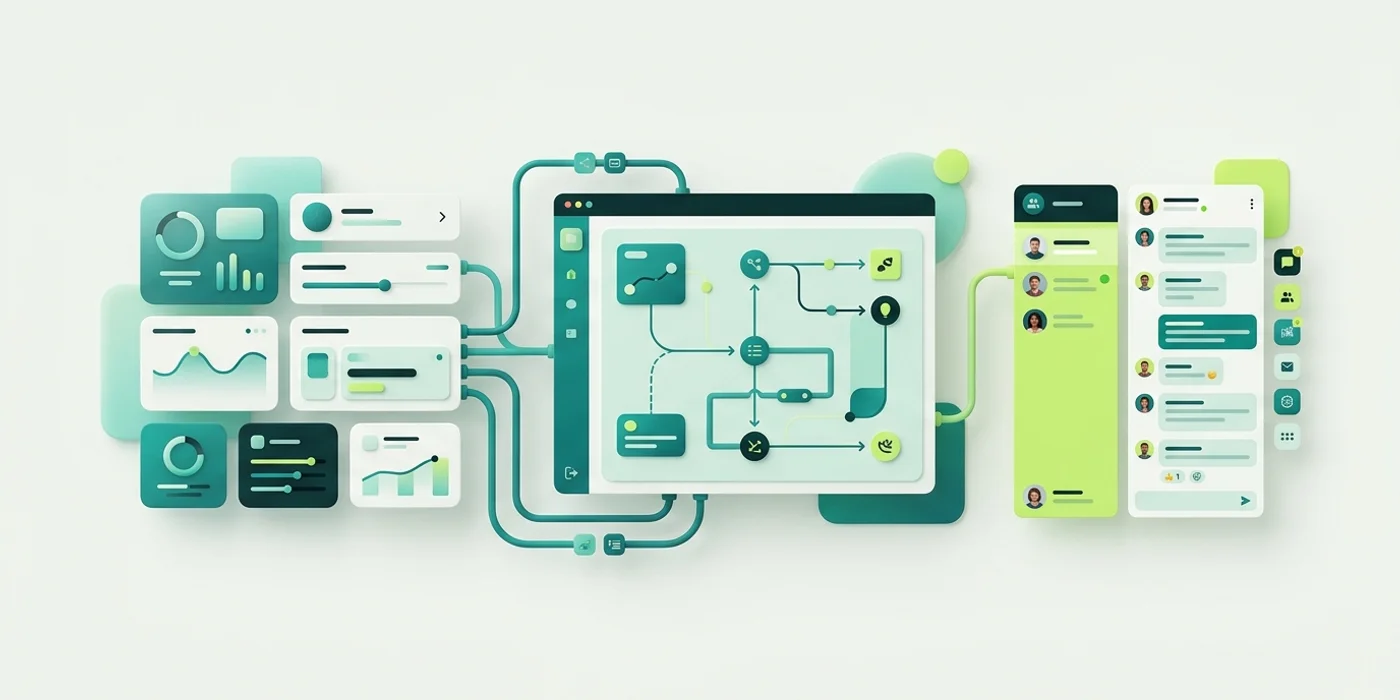
A conversation you design, not a black box
Eleven step types on a drag-and-drop canvas let you greet, branch, collect details and escalate. You can see the whole path a visitor takes, and change it without a developer.
A clean handoff to a real person
A handoff stops bot ownership and moves the conversation into the shared inbox with its history intact, so whoever picks it up already knows what was asked.
Your provider key, your sites
Use the included platform AI or connect your own provider key. Run several websites or brands from one workspace, each with its own knowledge, flows and team.
Details captured before anyone types
Form and One field steps collect contact details and requirements with required fields and validation, so a follow-up starts with context rather than a blank enquiry.
Reporting that says what it measures
Response-time reports cover first human response, coverage including unanswered conversations, percentile timing and resolution timing, using retained history and elapsed UTC time.
Most chat tools answer. Fewer of them tell you how they decided
Plenty of customer messaging software will add a chatbot to your site in an afternoon. The harder question is what that bot does when it meets something it was never told. A generic AI chatbot fills the gap with a plausible sentence, and that sentence can invent a price you never charged or a service you never offered.
onmsg treats that moment as a setting rather than an accident. Strict mode checks for relevant content in your knowledge base first and can return a refusal message you wrote yourself when it finds none. Balanced mode prefers your supplied knowledge. Open mode drops the retrieval gate for looser conversation. You choose per agent, and you can tune how strict retrieval is. These controls guide behaviour, they are not a promise about every response, which is exactly why the refusal path and the human handoff matter.
The same instinct runs through the rest of the product. The no-code bot flow builder shows the whole conversation on one canvas instead of hiding it in rules. The response-time reporting states plainly that it measures elapsed UTC time on retained history, not business hours or a contractual SLA. Nothing here needs a footnote to stay true.
Not sure which pieces you need?
Start on the free plan, add a few knowledge sources, and see how the answers behave on your own content.
New to website chat software?
Four plain-English guides that explain the category before you shop it.
How a Small Team Can Handle Website Enquiries Without Extra Headcount
Deflect repetitive questions with grounded AI, capture context before handoff, and use a shared inbox for the conversations that need a person.
Read guideHow to Add Live Chat to Any Website with a Script Snippet
Add website chat with a one-line script snippet. Where the snippet goes, generic steps for common site builders, the live/paused setting, and how to verify it loaded.
Read guideLive Chat vs AI Chatbot vs Contact Form: Which Does Your Site Need?
Compare live chat, AI chatbots and static contact forms for handling website enquiries, coverage, response speed and effort, and see how onmsg combines all three.
Read guideWhat Is Website Chat Software?
A plain-English guide to website chat software: what a chat widget does, how live chat, AI answers and guided flows differ, and where it fits for a small business.
Read guideFrequently asked questions
Straight answers about installation, AI behaviour, your team's inbox and what each plan includes.
How do I add onmsg to my website?
You install the widget with a script snippet, a single line you add to your site (directly or through a tag manager). There is no native CMS plugin claim; the snippet works on any site where you can add a script tag.
Will the AI make up prices or services we don't offer?
onmsg's grounding controls are built to reduce that. In Strict mode the AI checks for relevant knowledge and can return a configured refusal when it finds none, and you can hand off to a person after a set number of refusals. The controls guide behaviour. They are not an absolute guarantee of every response, and what happens after a handoff depends on human availability.
How do I give the AI our business knowledge?
Paste text, upload PDF, DOCX, TXT, Markdown or CSV files, or import the readable text of one public web page by URL. A URL import handles one page, full-site crawling and continuous website sync are not part of the product, and scanned PDFs need OCR before import.
Can our whole team share one inbox?
Yes. The shared inbox lets teammates view conversation history, reply with attachments, assign conversations or return them to the queue, resolve and reopen, and keep a separate draft per conversation. A human handoff stops bot ownership so a person owns the conversation from that point.
What happens when someone messages after hours?
You set business hours, timezone and after-hours behaviour on the widget, and flows can branch by availability to offer offline paths. Offline message intake lets visitors leave details, which stay in retained conversation history for your team to pick up.
Can we use our own AI provider key?
Yes. You can use the included platform AI or bring your own provider key, with provider and model selection, key testing, a grounding probe and usage reporting. Bringing your own key avoids the platform AI-token allowance but not other plan limits, and the provider may bill you separately.
Can I manage more than one website from one account?
Yes. The workspace is organized around sites, each with its own configuration, conversations, knowledge, flows and team, and you can switch between them. Site-scoped API keys are available for custom implementations.
What do the response-time reports measure?
They report first human response times, coverage including unanswered conversations, average/median/90th-percentile timing, and resolution timing for eligible conversations over 7, 30 and 90 days. They use retained history and elapsed UTC time. They are not business-hours or contractual SLA reporting, and bot messages and notes don't count as a first human response.
What plans does onmsg offer?
There are four tiers, Free, Starter, Pro and Business, that differ by resources such as platform AI tokens, agents per site, knowledge sources and pages, storage, retention, concurrent sessions, and whether the onmsg widget badge is shown. Confirm current prices, currencies and billing intervals before purchase.
Is there a free plan?
Yes, onmsg has a Free tier you can start with, and no credit card is required to begin. Higher tiers add more AI tokens, agents, knowledge capacity, storage, retention and concurrent sessions, and remove the widget badge.

Put onmsg on your website today
Add your knowledge, shape the conversation, and let your team pick up the enquiries that need a person. Start on the free plan.
- Free plan available
- Installs with a script snippet
- Your content, your controls