
Visual Flow Builder vs Scripted Chatbot
Compare a visual, no-code flow builder with hand-coded and scripted bots, maintenance, speed, and who each suits, and see why non-technical teams prefer a canvas.
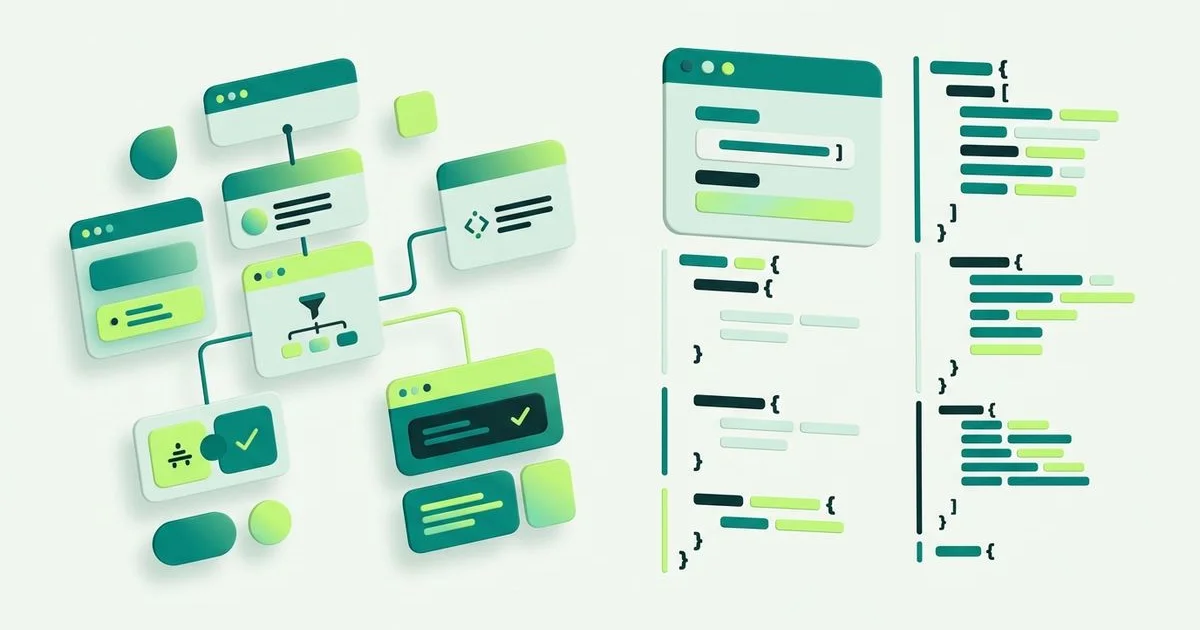
Two ways to build the same conversation
A scripted chatbot is defined in code or configuration files. Someone with development skills describes the logic, deploys it, and returns whenever it needs changing. A visual flow builder puts the same conversation on a canvas, where the steps are blocks you drag and the logic is lines you draw.
Both can produce a good conversation. They differ in who can build it, how fast it changes, and what happens to it eighteen months later.
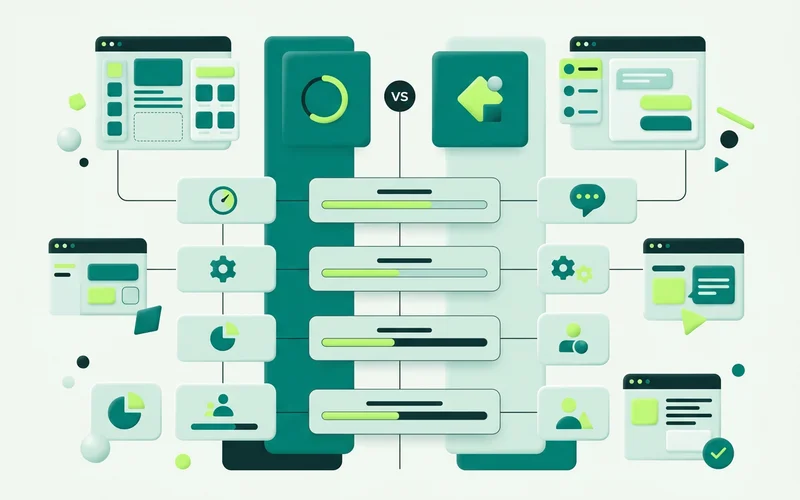
Side by side
| Visual flow builder | Scripted chatbot | |
|---|---|---|
| Skills needed | None beyond the product | Development |
| Time to a first working flow | Minutes | Days to weeks |
| Changing a question | Edit the block, republish | Edit, review, release |
| Who can change it | Anyone on the team | Whoever owns the code |
| Ceiling on logic | 11 step types, three branch types | Effectively unlimited |
| Ongoing cost | Configuration time | Development time |
| Risk of going stale | Low, easy to fix | High, changes need a queue |
The maintenance argument
The strongest case for a visual builder is not the build. It is everything after.
Chat conversations go out of date faster than almost anything else on a website, because they encode current details: prices, availability, the way you describe a service this quarter. When updating them requires a developer, they do not get updated. They get tolerated, then quietly worked around, and eventually someone turns the widget off because “it says the wrong thing”.
On a canvas, the person who noticed the problem is the person who fixes it, usually in the ten minutes between two other tasks. That single fact does more for the long-term quality of a chat setup than any feature comparison.
The speed argument
A scripted bot has a real start-up cost: scoping, building, testing, deploying. That cost buys precision, which is worth paying when the requirements are genuinely unusual and well understood.
Most website chat requirements are neither. They emerge from watching real conversations. A flow you can publish this afternoon and revise on Friday finds those requirements much faster than a specification written in advance, because the transcripts tell you where visitors actually stall.
Who each one suits
A visual builder suits small teams without development capacity, agencies setting up a conversation per client, and anyone whose enquiry flow will change with the seasons. It also suits businesses where the subject-matter expert and the developer are not the same person, which is most of them.
A scripted approach suits teams embedding chat into an existing product surface, those with logic that genuinely exceeds branching by answer, availability and page, and organisations with a development team already maintaining adjacent systems.
It is not actually either/or
onmsg offers both ends. The Visual Bot Flow Builder covers the conversation, and a site-scoped API covers the custom build: ask the AI a question, read a conversation, hand a conversation into the human inbox, and manage knowledge sources programmatically.
A common arrangement uses the widget and its flow on the marketing site, and the API inside a logged-in product, both sharing the same knowledge base and the same inbox. The team maintains the visible conversation themselves; the developers maintain the integration. Neither group is blocked on the other, which is the actual goal behind the whole comparison.
How to decide in one question
Ask who will change the greeting six months from now. If the honest answer is “whoever notices it is wrong”, build it visually. If the honest answer is “the same team that owns the rest of the codebase”, either approach works and you should pick on integration needs instead.
The total cost over two years
Comparisons usually stop at the build. The interesting number is what happens after it.
A scripted bot’s build cost is visible and one-off. Its maintenance cost is invisible and recurring: every wording change, every new service, every seasonal adjustment is a small development task competing with everything else in the queue. In practice most of those changes never get made, and the bot slowly stops describing the business accurately.
A visual flow’s build cost is close to zero and its maintenance cost is a few minutes of the right person’s attention. Over two years that difference compounds, not because the canvas is cleverer, but because it removes the queue.
The exception is a genuinely complex integration, where visual building would mean fighting the tool. There, scripted work is cheaper across the whole period, and the API exists for exactly that case.
A hybrid worth knowing about
The choice is not binary, and the arrangement most mature setups land on splits by surface rather than by capability.
The marketing site runs the widget with a visual flow, maintained by whoever owns the website copy. The product surface runs an API integration, maintained by the engineering team. Both point at the same site, share the same knowledge base and grounding configuration, and hand off into the same inbox.
Each group maintains the thing they are best placed to maintain, and neither waits on the other. If you have both a website and a product, start there rather than trying to force one approach across both.
Read next: what is a no-code chatbot flow builder for the concepts, or when to use the widget vs the API if a custom build is on the table.
Learn more about Visual Bot Flow Builder
A drag-and-drop builder for website conversations, with 11 step types for greeting, capturing enquiries, branching, and handing off.
Questions people ask about this
Is a visual builder less powerful than code?
It has a lower ceiling and a much lower floor. For website enquiry conversations, 11 step types with branching by answer, availability and page cover what you need without code. For genuinely unusual logic, onmsg also offers a site-scoped API.
Who should still script a bot?
Teams with deep custom logic, an existing product surface to embed into, or requirements that go beyond collecting and routing enquiries. In those cases the API is the better fit, and it can run alongside the widget.
Is a visual flow easier to maintain?
Usually, yes, because the person who notices the problem can fix it. A scripted bot needs a developer, a review and a release for a wording change, which is why scripted bots tend to drift out of date.
Related guides
Branching by Page, Availability and Saved Answers
Serve different flows by page (pricing vs homepage), route by availability (online vs offline), and branch by saved answer, practical examples of each.
Read guideHow to Capture and Qualify Leads with Conversation Forms
Use Form and One-field steps with required fields and validation to gather requirements before handoff, capture after-hours enquiries, and keep context for the team.
Read guideHow to Build a Greeting-to-Handoff Flow, Step by Step
Walk through assembling a real onmsg flow: start with a greeting, branch by enquiry type, collect details with a form, add an AI Agent step, and route to a person.
Read guideThe 11 Flow Step Types in onmsg, Explained
Every onmsg flow step type explained: AI Agent, Question, Choices, One field, Form, Message, Image or video, Pause, By answer, By availability and By page.
Read guideWant to try this on your own site?
No credit card required.